
Assassins Creed Black Flag Resynced Controls Guide
Assassins Creed Black Flag Resynced controls are input layouts for PC, Xbox, and PlayStation systems that assign ground movement, stealth actions, and naval combat to customizable buttons. Players configure their bindings through the options menu to tailor parkour and combat handling.
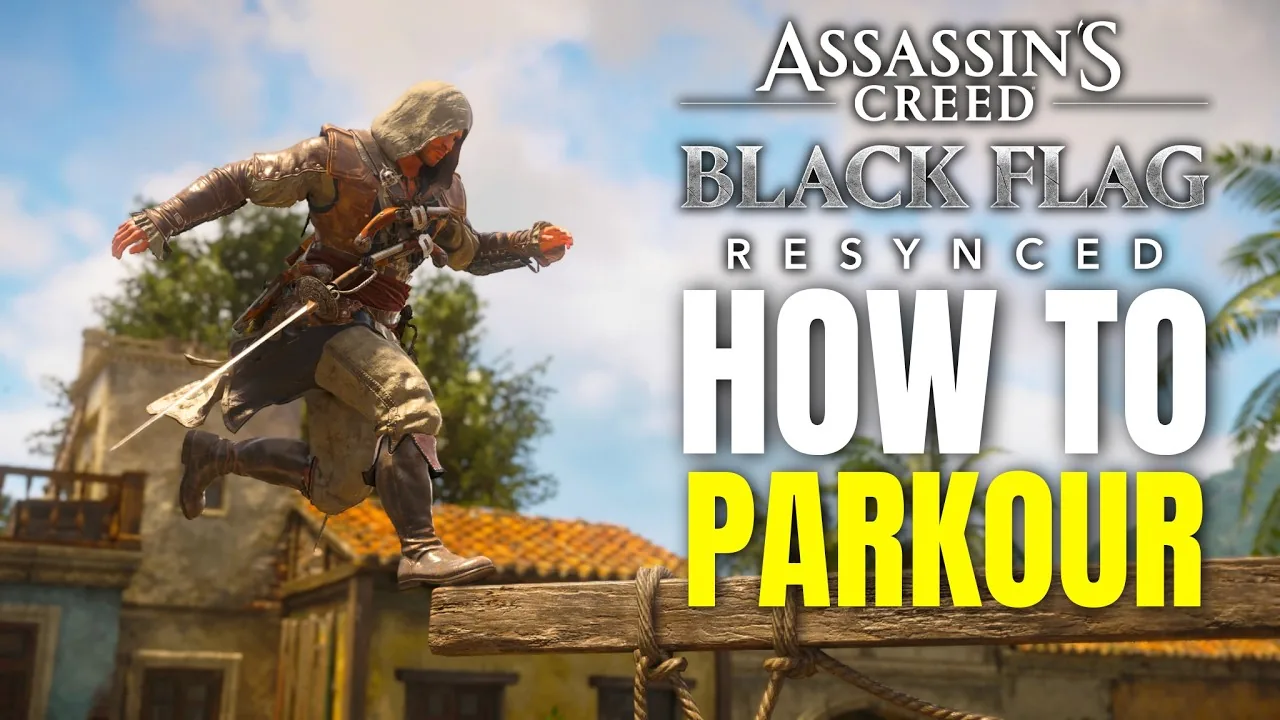
Assassins Creed Black Flag Resynced controls are input layouts for PC, Xbox, and PlayStation systems that assign ground movement, stealth actions, and naval combat to customizable buttons. Players configure their bindings through the options menu to tailor parkour and combat handling.
How Do You Customize Keybinds in Black Flag Resynced?
Keybind customization is an in-game feature accessible through the main options menu. Players can reassign inputs directly on Ubisoft Help according to the official interface instructions:
- Pause the game and open the Options menu.
- Select the Controls tab.
- Choose either the Mouse & Keyboard or Controller sub-tab.
- Select Customize Controls.
- Highlight the specific action in the Character or Combat list and press the new button or key.
Holding the Reset Page command restores default inputs at any point. On PC, conflicting keys produce an alert icon in the upper screen corner to indicate duplicate bindings.
What Are the Default On-Foot Character Controls?
Character controls are ground-based inputs assigned to movement, stealth maneuvers, and swordplay. In the official game description on the Steam store page, the developers summarize the mechanical structure:
Combat has been rebuilt for more dynamic encounters, emphasizing parries and takedowns, while stealth and parkour have been improved for smoother escapes and assassinations. — the official Steam store description
Activating the gameplay toggle for advanced parkour enables manual back and side ejects without automated safety barriers stopping ledge jumps. During combat encounters and settlement raids, looting speed increases when equipping items from the best trinkets roster, such as the Lodestone to pick up valuables automatically.
| Action | PC Keyboard & Mouse | Xbox Controller | PlayStation Controller |
|---|---|---|---|
| Move | W / A / S / D | Left Stick | Left Stick |
| Camera / Look | Mouse | Right Stick | Right Stick |
| Sprint | Shift (Toggle) | Left Stick Click (L3) | Left Stick Click (L3) |
| Walk | Hold Ctrl | - | - |
| Jump / Parkour Up | Spacebar | A Button | Cross Button |
| Drop Down / Dive | Ctrl | B Button | Circle Button |
| Crouch | C | X Button | Square Button |
| Attack | Left Click | Right Bumper (RB) | R1 Button |
| Heavy Attack | Hold Left Click | Hold Right Bumper (RB) | Hold R1 Button |
| Parry / Deflect | Q | Left Bumper (LB) | L1 Button |
| Assassinate / Takedown | F | Y Button | Triangle Button |
| Aim Ranged Tool | Hold Right Click | Hold Left Trigger (LT) | Hold L2 Trigger |
| Fire Tool / Shoot | Left Click | Right Trigger (RT) | R2 Trigger |
| Eagle Vision | Hold V | Hold Right Stick Click (R3) | Hold Right Stick Click (R3) |
| Pathfinder Trail | Hold Z | Hold D-Pad Up | Hold D-Pad Up |
| Quick Smoke Bomb | G | D-Pad Down | D-Pad Down |
| Advance Time | Hold X | Hold D-Pad Right | Hold D-Pad Right |
| Toggle HUD | ` (Tilde) | Double Tap Right Stick (R3) | Double Tap R3 Button |
How Do Jackdaw Naval and Ship Combat Controls Work?
Jackdaw controls are naval commands dedicated to steering, adjusting sail speed, and firing broadsides. Success in sea encounters depends on switching between firing angles and bracing against enemy volleys when opposing cannon positions glow orange. As you acquire materials to craft jackdaw upgrades, your vessel unlocks stronger hull plating and heavier rounds. Captured prizes can be transferred into kenway's fleet for passive income, while harpooning marine wildlife uses dedicated targeting inputs covered in the how to harpoon walkthrough.
| Naval Action | PC Keyboard & Mouse | Xbox Controller | PlayStation Controller |
|---|---|---|---|
| Steer Ship | A / D Keys | Left Stick | Left Stick |
| Raise Sails (Accelerate) | W Key | A Button | Cross Button |
| Lower Sails (Decelerate) | S Key | B Button | Circle Button |
| Aim Primary Broadside | Hold Right Click | Hold Left Trigger (LT) | Hold L2 Trigger |
| Fire Primary Broadside | Left Click | Right Trigger (RT) | R2 Trigger |
| Aim Mortar | Hold Q | Hold Left Bumper (LB) | Hold L1 Button |
| Fire Swivel Gun | Hold Shift | Hold Right Bumper (RB) | Hold R1 Button |
| Brace for Impact | Hold Spacebar | Hold X Button | Hold Square Button |
| Ramming Ability | R Key | LB + RB | L1 + R1 Buttons |
| Spyglass Zoom In / Out | Scroll Wheel | RT / LT Triggers | R2 / L2 Triggers |
| Sea Pathfinder / Follow Sea | Hold Z / Hold E | Hold D-Pad Up / Hold Y | Hold D-Pad Up / Hold Triangle |
| Shanty Wheel | Hold C | Hold D-Pad Down | Hold D-Pad Down |
Which Control Scheme Fits Your Playstyle?
Input presets are configuration choices that balance modern button mechanics against classic button layouts. Selecting an input setup determines your button placement for sprinting, parrying, and performing high-profile assassinations.
| Control Scheme Option | Recommended For | Trade-Offs |
|---|---|---|
| Default Modern Setup | Standard play and default accessibility | Requires clicking the left stick to sprint and places melee strikes on the right shoulder button |
| Legacy Trigger Setup | Players accustomed to classic 2013 mechanics | Assigns sprinting to the right trigger, which requires remapping secondary ability tools to avoid conflicting inputs |
| Customized Hybrid Layout | Fast melee strikes and manual parkour cancels | Requires manually assigning attack to face buttons and adjusting dead zones in settings |
Next step
Ending Explained
Examine every narrative resolution in the remake, from the Observatory confrontation to the true ending clash against Robert Maynard.
Related Guides
Assassins Creed Black Flag Resynced Ending Explained; Assassins Creed Black Flag Resynced HDR Setting Guide
Ending Explained
Examine every narrative resolution in the remake, from the Observatory confrontation to the true ending clash against Robert Maynard.
HDR Settings
Configure in-game luminance and exposure sliders to correct raised black levels and prevent highlight clipping across consoles and PC displays.