
Assassins Creed Black Flag Resynced Steam Deck Settings
Assassins Creed Black Flag Resynced Steam Deck settings are performance configurations designed to maintain thirty frames per second across open seas and demanding colonial towns. Players achieve stable frame pacing by turning off ray tracing, lowering volumetric details, and applying balanced upscaling.
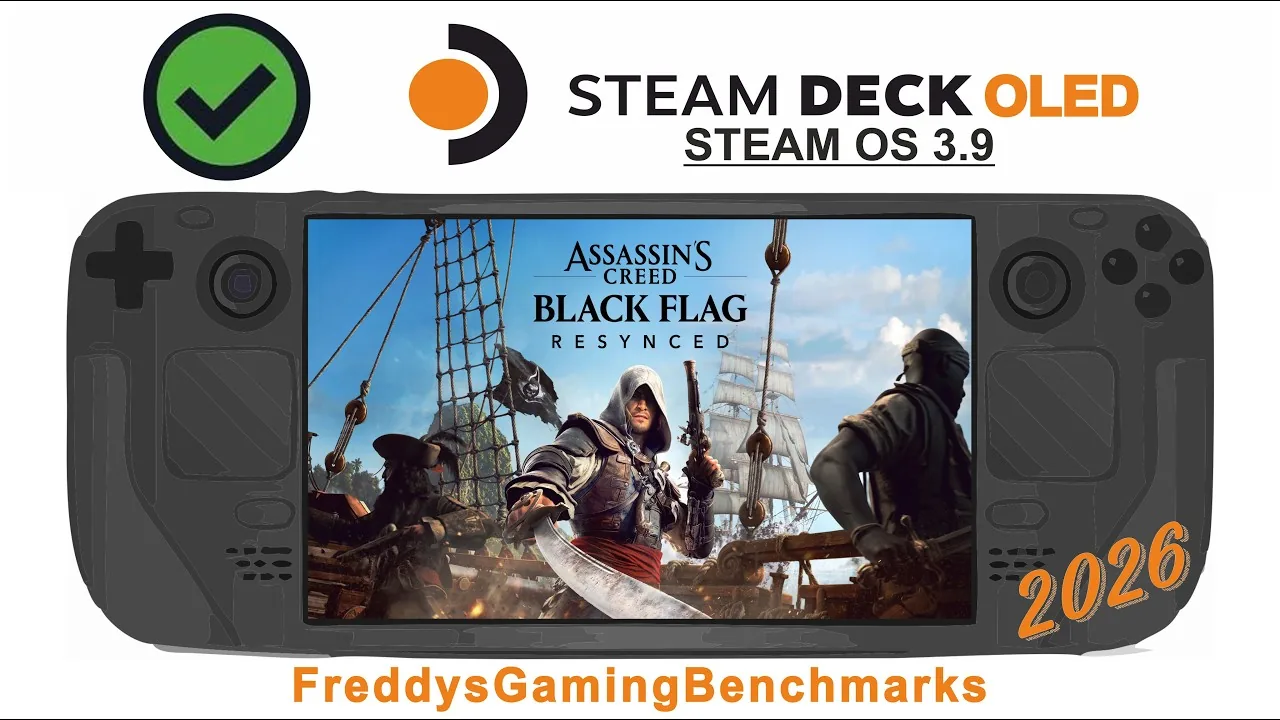
Assassins Creed Black Flag Resynced Steam Deck settings are performance configurations designed to maintain thirty frames per second across open seas and demanding colonial towns. Players achieve stable frame pacing by turning off ray tracing, lowering volumetric details, and applying balanced upscaling.
Built on the Anvil engine that powered Assassin's Creed Shadows, this remake is officially rated Steam Deck Verified on the Steam store page. The default launch profile targets 800p with standard ray-traced global illumination enabled. Because active ray tracing places heavy demands on the handheld GPU and APU power budget, leaving default configurations active causes frame drops into the low 20s in dense settlements like Havana and Nassau. Custom calibration keeps the hardware within its thermal threshold while retaining crisp image quality.
Which Graphics Preset Delivers Stable Handheld Performance?
Handheld Low is the baseline graphical configuration built into the title to reduce rendering loads on portable processors. Ubisoft provides three dedicated handheld presets alongside standard scalable options running from Ultra Low to Ultra High. While the standard desktop build requires modern hardware detailed in the system requirements, handheld users must balance memory allocation and clock frequencies to prevent thermal throttling.
Testing conducted by Rock Paper Shotgun demonstrated that running pure Handheld Low can look overly soft, yet cranking individual settings above Low causes frame rates to drop below 30 FPS. Selecting custom values across the twenty individual graphics options allows players to preserve visual clarity on water and character meshes without sacrificing frame times.
| Preset Target | Recommended Scenario | Hardware Trade-Off |
|---|---|---|
| 30 FPS Stable Lock | Town exploration in Havana and Nassau | Lower shadow resolution and disabled ray tracing |
| 40–45 FPS High Rate | Open water sailing and naval combat | Softer image presentation via FSR Performance mode |
| Fidelity Custom Mode | Cutscenes and Great Inagua base management | Noticeable frame rate drops to mid-20s during rain and night |
The choice between a flat 30 FPS cap and an uncapped 40 to 45 FPS target depends on the surrounding environment. Crowded streets lined with non-player characters strain the CPU, whereas open water sequences allow the frame rate to climb significantly higher.
How Do Upscaling and Dynamic Resolution Affect Frame Rates?
Temporal upscaling is the core mechanism used to generate an 800p presentation from lower base render resolutions. The display menu offers options for AMD FSR, Intel XeSS, and native TAA. In performance evaluations published by Steam Deck HQ, Dynamic Resolution targeting 30 FPS proved reliable for managing shifting hardware demands between empty oceans and crowded ports.
Enabling Dynamic Resolution with an automatic upscaler permits the internal resolution to fluctuate between 25 percent and 100 percent based on real-time rendering complexity. Alternatively, players who prefer a locked render scale can set AMD FSR directly to Balanced. In benchmarks from Rock Paper Shotgun, FSR Quality delivered a 34 FPS average in controlled tests but caused framerates to slide into the twenties during normal navigation through Havana. Switching the upscaler to Balanced established a reliable 30 FPS floor.
In-game frame generation is also available within the scalability menu, but handheld tests show it introduces noticeable input latency. Utilizing frame generation on the Deck requires setting a manual GPU clock between 1,400 MHz and 1,600 MHz in the SteamOS quick access menu to stabilize pacing. Disabling frame generation entirely provides superior controller responsiveness when navigating the game's default controls.
The iconic solo pirate adventure returns. Sail the Caribbean as Edward Kenway during the Golden Age of Piracy in this faithfully enhanced remake featuring stunning visuals, upgraded gameplay, and new content. — the official Steam store page
Best Steam Deck Settings Configuration
Custom settings adjust individual rendering loads to keep performance steady during heavy rain, night cycles, and tavern brawls. Applying these exact values in the options menu provides an optimal balance between visual fidelity and battery longevity:
- Open the Video menu and confirm the display mode is set to Borderless at 1280x800 resolution.
- Set Dynamic Resolution to Off if using manual FSR, or toggle it On targeting 30 FPS if using dynamic scaling.
- Set Upscaler Type to AMD FSR and Upscaler Quality to Balanced.
- Set Frame Generation to Off and Vsync to Off.
- Set Raytracing Mode to Off.
- Navigate to the Scalability menu and adjust the individual options below.
- Character Quality: Ultra Low
- Hair Strands: Off
- Post Effects: Very Low
- Particles Quality: Ultra Low
- Water Quality: Medium
- Texture Resolution Quality: Low
- Loading Distance: Low
- Geometry Quality: Ultra Low
- Micropolygon: Low
- Screen Space Effects: Low
- Light Source Quality: Low
- Shadow Quality: Ultra Low
- Cloud Quality: Low
- Fog Quality: Very Low
- Terrain Quality: Very Low
- Scatter Density: Ultra Low
- Deformation: Low
- Terrain Texture Quality: Very Low
These custom tweaks mirror the low-impact approach found in the broader best pc settings guide. Setting Hair Strands to Off saves substantial GPU resources. Although Hair Strands adds realistic movement to Edward's hair, keeping it active limits available overhead in dense vegetation.
How Does Naval Combat Compare to Port Cities on Handheld Hardware?
Naval exploration is the least demanding gameplay scenario for the Steam Deck hardware. When captaining the Jackdaw on the open ocean, the engine renders expansive water surfaces and distant horizons without the processing burden of dozens of urban pedestrian routines.
As Edward engages enemy vessels, executes broadside volleys, and triggers boarding actions alongside recruited crew members and all officers, the Deck handles combat smoothly. Even with smoke plumes, cannon fire, and crew animations filling the screen during high-seas clashes, frame rates consistently stay above 30 FPS. Investing in jackdaw upgrades introduces advanced weapons and heavier hull armor without causing performance degradation during large fleet engagements.
Performance bottlenecks shift back to the hardware when Edward sets foot on land. Tropical environments featuring dense foliage and deformable sand cause GPU utilization to climb. In historical towns such as Havana, large crowds and complex building shadows push CPU thread usage near maximum capacity. Disabling ray tracing and lowering shadow draw distance prevents severe frame rate drops during these urban excursions.
Steam Deck Battery Life and Handheld Power Draw
Battery runtimes for the title sit on the lower end of modern handheld expectations due to the game's heavy rendering demands. Total battery longevity depends largely on whether the player uses an original LCD model or an updated OLED unit:
- Steam Deck LCD: 1 hour 19 minutes to 1 hour 30 minutes of continuous play on a full charge.
- Steam Deck OLED: 2 hours to 2 hours 15 minutes of continuous play on a full charge.
The internal storage footprint occupies between 64 GB and 67 GB of space depending on patch revisions, aligning with the 65 GB requirement listed by the developer. Players looking to extend handheld play sessions can engage the 30 FPS system limiter inside SteamOS to keep APU wattage stable during extended Caribbean voyages.
Next step
System Requirements
Check the official minimum, recommended, and 4K PC hardware specifications for Assassin's Creed Black Flag Resynced to evaluate your gaming performance.
Related Guides
Assassins Creed Black Flag Resynced unsupported video driver; Assassins Creed Black Flag Resynced Walkthrough Guide
Video Driver Fix
Resolve the unsupported video driver alert and DirectX 12 startup crashes when launching the pirate remake on your PC.
Walkthrough Guide
Clear main memory sequences, manage naval fleet boarding options, recruit crew officers, and secure the ancient Observatory with verified strategies.