
Assassins Creed Black Flag Resynced unsupported video driver
An unsupported video driver warning in Assassin's Creed Black Flag Resynced is a startup alert caused by outdated GPU software, missing DirectX 12 capabilities, or incompatible integrated graphics. Resolving it requires installing verified manufacturer drivers or upgrading to supported dedicated hardware.
An unsupported video driver warning in Assassin's Creed Black Flag Resynced is a startup alert caused by outdated GPU software, missing DirectX 12 capabilities, or incompatible integrated graphics. Resolving it requires installing verified manufacturer drivers or upgrading to supported dedicated hardware.
Why Does Assassin's Creed Black Flag Resynced Show an Unsupported Driver Alert?
The unsupported video driver notification is a compatibility block displayed by the Anvil engine when system hardware or software fails pre-launch checks. Assassin's Creed Black Flag Resynced operates strictly on DirectX 12 without a legacy rendering fallback. When the game executable detects an outdated graphics driver branch or a GPU architecture lacking necessary instruction sets, it displays this warning window before attempting to initialize 3D assets.
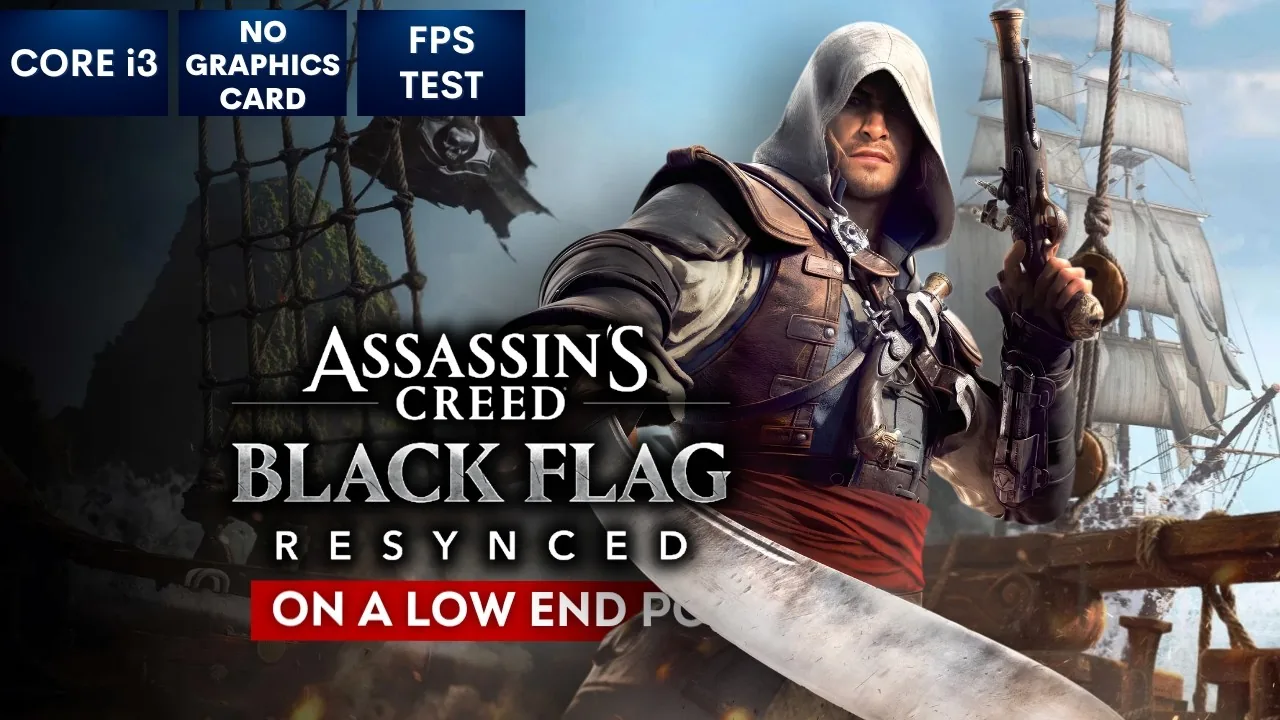
Ignoring the warning on unsupported components leads directly to a crash to desktop. In technical benchmark testing conducted by the YouTube channel GameTest on an Intel Core i3 machine with integrated graphics, bypassing the driver alert triggered an immediate DirectX 12 crash before the Jackdaw or Caribbean environment could load. The remake reserves active rendering for dedicated graphics processing units, meaning integrated chips cannot bypass the requirement. Incompatible driver versions also trigger specific DirectX error codes, such as the DX12 0x887A0006 error documented during launch week.
The iconic solo pirate adventure returns. Sail the Caribbean as Edward Kenway during the Golden Age of Piracy in this faithfully enhanced remake featuring stunning visuals, upgraded gameplay, and new content. — the official Steam store page
How Do You Fix the Unsupported Video Driver Error?
Driver troubleshooting is a sequence of maintenance steps that align your operating system and graphics processor with the requirements of the game. If your PC contains a dedicated graphics card meeting the official hardware baseline, execute the following procedures in order.
Clear the Shader Cache
Corrupt or fragmented shader caches represent a primary trigger for DirectX crashes following driver alerts. Resetting these files forces the engine to compile clean assets during startup.
- Open the game installation folder and delete the cache folder.
- For NVIDIA graphics cards, open the NVIDIA Control Panel, select Manage 3D Settings, set Shader Cache to Disabled, and click Apply.
- Open Windows Run (Windows Key + R), navigate to
%LOCALAPPDATA%, open the NVIDIA folder, and delete all files inside DXCache and GLCache. - Return to the NVIDIA Control Panel and re-enable Shader Cache.
- For AMD graphics cards, open AMD Software: Adrenalin Edition, select Gaming, choose Graphics, click Reset next to Perform Reset, and confirm with OK.
- Restart your computer so the game can rebuild fresh shader files on the next boot.
Update Graphics Drivers to Verified Builds
GPU updates deliver vendor-specific code patches tailored to the updated Anvil engine. Hardware makers issued specific driver packages targeted at the game's release:
- NVIDIA GeForce systems require Game Ready Driver 621.01 or driver version 610.74.
- AMD Radeon systems require AMD Software: Adrenalin Edition 26.10.1.
- Intel Arc systems require Intel Arc Graphics Driver 32.0.101.9150.
Obtain these packages directly through official manufacturer portals or companion software such as NVIDIA app and AMD Software. After installation, restart Windows to confirm the display adapter registers the update. Applying clean drivers also stabilizes display features like the in-game hdr setting.
Verify Game File Integrity
Incomplete installation packages cause file validation handshakes to fail, which external troubleshooting documentation from Driver Easy's technical walkthrough links to launch crashes. Verifying your client files repairs missing binaries without redownloading the entire 65 GB package.
- On Steam, open your Library, right-click Assassin's Creed Black Flag Resynced, select Properties, open Installed Files, and select Verify integrity of game files.
- On Ubisoft Connect, open Games, choose the game page, select Properties, and click Verify Files under the Local Files section.
- Allow the client verification tool to scan the local directory and download replacements for damaged components.
Run Executables with Administrative Privileges
Permission restrictions can block the executable from querying your GPU driver attributes. Granting elevated permissions prevents secondary launchers from choking launch handshakes, as noted in LagoFast's PC launch analysis.
- Navigate to the game installation folder containing the primary binary.
- Right-click ACBlackFlagResynced.exe and choose Properties.
- Select the Compatibility tab.
- Check the box labeled Run this program as an administrator.
- Click Apply, then click OK.
- Apply the identical administrative permission setting to UbisoftConnect.exe or Steam.exe.
If launch stalls persist after applying administrative access, verify your profile data integrity by reviewing your save file location to rule out corrupted cloud synchronization locks.
Which Graphics Cards Meet the Minimum Hardware Baseline?
Hardware baselines are the mandatory component standards published on the Steam store page to guarantee DirectX 12 execution. The remake no longer supports legacy DirectX 11 architectures from the 2013 original release.
- Operating System: Windows 10 (64-bit only) or Windows 11
- Minimum Processor: Intel Core i7-8700K 3.7 GHz or AMD Ryzen 5 3600 3.6 GHz
- Minimum Memory: 16 GB RAM
- Minimum Video Card: NVIDIA GeForce GTX 1660 (6 GB), AMD Radeon RX 5500 XT (8 GB), or Intel ARC A580 (8 GB)
- Recommended Video Card: NVIDIA GeForce RTX 3060 (12 GB), AMD Radeon RX 6600 XT (8 GB), or Intel ARC B580 (12 GB)
- DirectX Requirement: Version 12
- Storage: 65 GB available space on a solid-state drive with DRAM cache
Machines relying solely on integrated graphics processors do not satisfy the minimum 6 GB dedicated VRAM requirement. To adjust visual scaling once supported hardware is verified, review optimal configurations in the best pc settings breakdown, or check overall component compatibility in the system requirements overview.
Decision Matrix for Resolving Launch Errors
| Troubleshooting Option | Best Situation | Technical Requirement |
|---|---|---|
| Driver software update | Hardware warning appears at startup or game crashes with DX12 errors | NVIDIA driver 621.01, AMD driver 26.10.1, or Intel driver 32.0.101.9150 |
| Shader cache purge | Launch crashes occur following a patch or DX12 0x887A0006 error triggers | Access to %LOCALAPPDATA% NVIDIA folders or AMD Software reset utility |
| File integrity validation | Game freezes on title loading screen or files failed during patch install | Active connection in Steam or Ubisoft Connect client properties |
| SSD migration | Engine hangs indefinitely on loading screens without crashing | 65 GB free storage on a solid-state drive with DRAM cache |
Next step
Walkthrough Guide
Clear main memory sequences, manage naval fleet boarding options, recruit crew officers, and secure the ancient Observatory with verified strategies.
Related Guides
Assassins Creed Black Flag Resynced Walkthrough Guide; Assassins Creed Black Flag Resynced advanced parkour
Walkthrough Guide
Clear main memory sequences, manage naval fleet boarding options, recruit crew officers, and secure the ancient Observatory with verified strategies.
Advanced Parkour Settings
Turn on advanced parkour in Assassin's Creed Black Flag Resynced to execute manual jumps, directional ejects, and roll landing techniques.